Cable management kit home office solutions are essential for anyone working remotely and battling a tangle of wires every day. The right kit not only helps you achieve a clean, organized workspace but also boosts productivity and prevents hazards that come with scattered cables. As home office setups become more complex, proper wire management is more important than ever.
Key Takeaways
- The global cable management kit market exceeded $2.4 billion in 2024, driven by home office demand and remote work trends.
- Most users struggle with cable clutter and need simple, effective desk cable organizers for safety and daily efficiency.
- Choosing the right kit for your home office involves understanding compatibility, capacity, and installation ease—even though official specs and user complaints are rare.
- What Is a Cable Management Kit for Home Office and Why Do You Need One?
- Step-by-Step Guide: Installing Your Home Office Cable Management Kit
- Advanced Analysis & Common Pitfalls
- Conclusion
- Frequently Asked Questions
What Is a Cable Management Kit for Home Office and Why Do You Need One?
A cable management kit for home office is a set of accessories designed to keep wires, chargers, and cords in order under or on top of your desk. These kits often include adhesive clips, cable sleeves, trays, zip ties, adhesive channels, and sometimes even surge protectors. Using a good kit declutters your workspace, prevents cable damage, makes cleaning much easier, and can even reduce the risk of trips or accidents.
With a dramatic increase in home-based and hybrid work, the need for effective cable management has soared. In 2024, the global desk cable management kit market topped $2.4 billion, and North America alone accounted for $710 million, reflecting a surge in home office upgrades.[1]

Workspaces with multiple monitors, laptops, speakers, and smart home devices demand more power and data lines. Without cable management, these can quickly turn into hazards. A desk organizer not only controls clutter but helps extend the life of your expensive gear.
Organizing cables is often overlooked during home office renovation, but when done right, it drastically improves the space’s appearance and functionality. Clean cabling also makes it easier to adopt new smart home lighting systems or other tech, and it streamlines maintenance.
Older methods like tucking wires behind furniture or taping them along baseboards are temporary fixes that risk damage or safety issues. Purpose-built cable management kits provide long-lasting, adjustable solutions—even in compact or unconventional office areas.
Step-by-Step Guide: Installing Your Home Office Cable Management Kit
Setting up a cable management kit at home doesn’t have to be a weekend-long project. Here’s how to do it efficiently and safely:
- Plan Your Layout
Assess where each device sits on your desk. Decide which cables can run together to minimize overlap and tangling. For adjustable desks, check that all wires have enough slack for full motion. - Sort & Shape Cables
Use cable sleeves or spiral wrappers to bundle similar wires. Place adhesive clips or channels under and along the back of your desk. - Install Trays and Hooks
Attach under-desk trays under the desk for power strips and excess cord. Use hooks for headphones or device chargers to keep them off the surface. - Label It All
Label each plug or connector, especially if you have devices that are similar. This saves time when plugging or unplugging and is vital for troubleshooting. - Final Tidy-Up
Tuck everything into place and check that nothing is too tight or stressed. Reconnect electronics and test for power/data. Adjust as needed for comfort and safety.
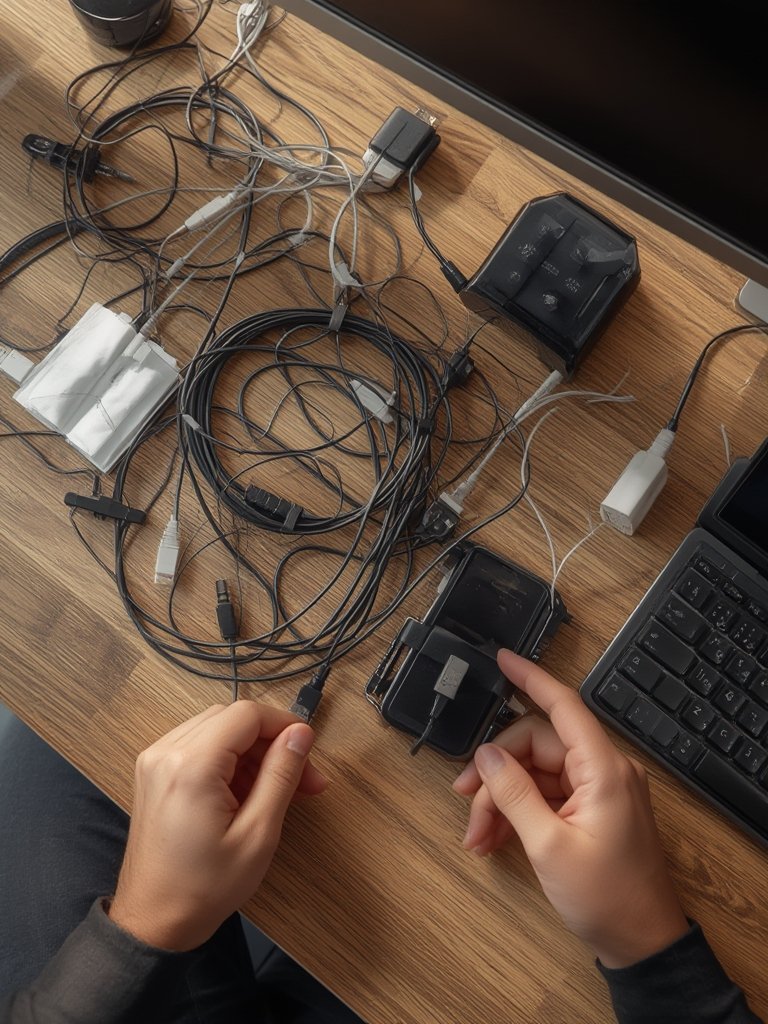
A well-installed cable management kit can also support dual-function furniture in home offices or shared spaces. Keeping wires tucked away means your workspace converts easily from office to leisure area.
For creative inspiration, explore closet organization tips—many of the same principles help manage tech accessories and office supplies.
Don’t forget, managing cables is about maintenance as much as aesthetics. Schedule quarterly checks for fraying, heat build-up, or accidental stress, especially with multiple smart home devices being plugged in.
For extra flexibility, modular cable kits allow you to add or swap parts as your workspace tech evolves—important in dynamic home offices.
Advanced Analysis & Common Pitfalls
Despite widespread adoption, home office cable management kits aren’t perfect. Most market studies, such as Growth Market Reports, highlight growth and benefits, but rarely mention real user frustrations. However, here’s what’s realistic to expect:
- Installation Difficulty: If your desk is thick, curved, or glass, many adhesive parts or trays may not stick or fit well. Check your desk type before purchase.
- Limited Cable Capacity: Most kits don’t list a maximum cable diameter or number, causing crowding if you have a multi-device setup (e.g., gaming + work).
- Material Quality: Some low-cost kits use brittle plastic that snaps with modest force, breaking under desks or from repositioning.
- Hidden Issues: Overpacked cable trays can block airflow or make it tough to spot heat issues—especially for power adapters and surge protectors.
- No Universal Fit: Adjustable or L-shaped desks may require custom solutions. One-size kits often leave excess wires hanging or visible.
- Lack of Fire Safety Features: Very few kits have fire-retardant ratings or info; use with caution if close to high-amperage devices.
| Criteria | Premium Kits | Basic Kits |
|---|---|---|
| Desk Compatibility | Adjustable, fits wood/metal/glass | Flat wood only |
| Max Cable Capacity | 10+ thick cables | 5-6 thin cables |
| Materials | Heavy-duty ABS or metal, sometimes flame retardant | Thin plastic |
| Modularity | Expandable, mixes trays/clips/sleeves | Fixed parts |
| Ease of Installation | Screw-on and adhesive, labeled hardware | Adhesive only, no labeling |
| Fire Safety Rating | Sometimes listed | Rarely listed |
Keep in mind, pricing details and real user complaints are largely missing from market analyses. If possible, test a section of your setup first to see if the kit matches your home office layout.
For overall home organization, blend in kitchen storage strategies and DIY home improvement fixes for deeper clutter reduction.

Conclusion
Organizing cables is an easy win for anyone looking to make a home office more functional and less stressful. The recent surge in the cable management kit home office market proves that smart, simple solutions are in high demand.[1] While most kits promise to declutter and safeguard your workspace, pay close attention to fit, durability, and hidden safety risks.
Ready to transform your home office? Make effective use of a modern cable management kit home office solution, and feel the difference in focus, comfort, and safety. Take the next step—your desk will thank you.
Frequently Asked Questions
What is included in a typical home office cable management kit?
Most kits offer a mix of items: adhesive clips, cable sleeves, zip ties, under-desk trays, and occasionally a surge protector. The actual components vary, so check the product details before buying.
Are these kits easy to install on any desk?
Not always. Many kits use adhesives that work best on flat wood surfaces. If your desk is curved, glass, or metal, you may need a kit with screw-on options or extra-strong adhesives.
How do I choose the right kit for multiple devices?
Consider your total cable count and thickness. Pick a modular kit for flexibility and make sure there’s enough capacity for power, data, and audio cords. Look for compatibility with your specific desk size and shape.
Are there fire or safety risks with desk cable management kits?
Yes, especially in crowded trays or near high-powered adapters. Most kits lack official fire safety ratings, so avoid overpacking and keep cables ventilated.
How often should I check or reorganize my cables?
Inspect cords every three to six months. Rearrange if you add new tech or notice overheating, fraying, or dust build-up.