

Smart home lighting systems are rapidly shifting the way people think about home energy, comfort, and convenience. In this actionable guide, we’ll break down market realities, common pitfalls, and proven installation steps for anyone ready to modernize their home lighting.
Key Takeaways
- Smart home lighting adoption is surging, with global users reaching over 422 million in 2024 and LED-based smart bulbs saving households up to 80% in lighting energy.
- Wireless systems offer retrofit-friendly upgrades, with widespread compatibility across Alexa, Google Home, and Apple HomeKit.
- Understanding common pitfalls and realistic costs helps ensure your smart lighting project succeeds the first time.
- What are Smart Home Lighting Systems?
- How to Install a Smart Lighting System: Step-by-Step
- Advanced Analysis & Common Pitfalls
- Conclusion
- Frequently Asked Questions
What are Smart Home Lighting Systems?
Smart home lighting systems are connected networks of LED lights, switches, and sensors that let you automate, schedule, and customize lighting throughout your home. By leveraging IoT protocols like Zigbee and Wi-Fi, these systems allow for remote and app-based control, voice activation, and seamless integration with popular smart ecosystems such as Alexa, Google Assistant, and Apple HomeKit.
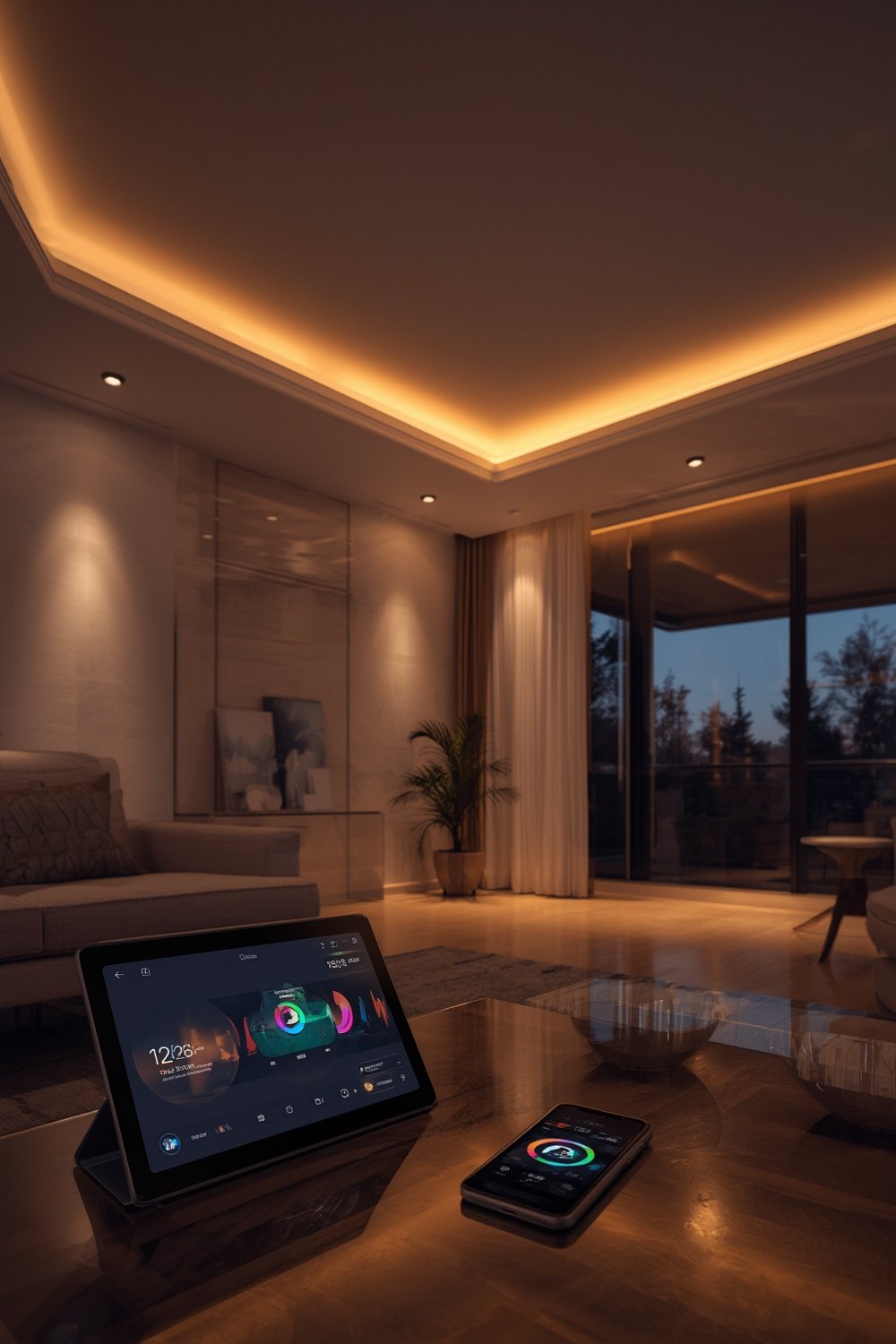
Why is this shift happening now? In 2024, there are over 422 million global smart home users, with 69.91 million active smart homes in the US alone. Over 70% of US households have at least one smart home device, with lighting among the top upgrades (source).
Smart lighting delivers not only convenience but real savings. LED-based smart bulbs can reduce lighting energy use by 50%–80%, saving a typical household about $225/year in electricity (source). Market value is proof: the North American market reached $6.3 billion this year and continues to grow by nearly 15% CAGR (source).
If you want to maximize energy efficiency and modernize how you interact with your home (while possibly boosting resale value), smart lighting is one of the most cost-effective upgrades. Check out our in-depth look at Smart Bulbs vs. Smart Switches for more feature comparisons.
How to Install a Smart Lighting System: Step-by-Step
Upgrading to smart home lighting can be a straightforward DIY project, especially if you focus on wireless, retrofit-friendly devices. Here’s a practical step-by-step path for homeowners who want to do it right—no technical jargon, just results.
- Evaluate Your Home’s Wiring and Connectivity: Walk through your home and note existing light fixtures, types of bulbs, and access to Wi-Fi (especially in far corners). Decide: wired or wireless? Most US homes find Wi-Fi, Zigbee, or Z-Wave retrofits easier and far less expensive than full rewires.
- Choose Your Ecosystem: For best results, stick to a single brand/ecosystem (e.g., Philips Hue, LIFX, or TP-Link) and make sure your devices work with your preferred assistant (Alexa, Google, or Siri/Apple HomeKit). See our Home Automation Buyer’s Guide for best-in-class picks.
- Select Devices by Location and Priority: Start with high-use rooms like the living area and main hallway. Opt for dimmable smart LED bulbs for fixtures, and smart switches for controlling entire zones.
- Install Devices (Bulbs, Switches, Sensors): For bulbs and plug-ins, installation is plug-and-play: screw in the bulb/lamp, turn on power, follow linking instructions in the app. For smart switches that replace traditional wall switches, always shut off the circuit at the breaker and follow step-by-step manufacturer guidance. (If unsure about electrical work, hire a licensed electrician.)
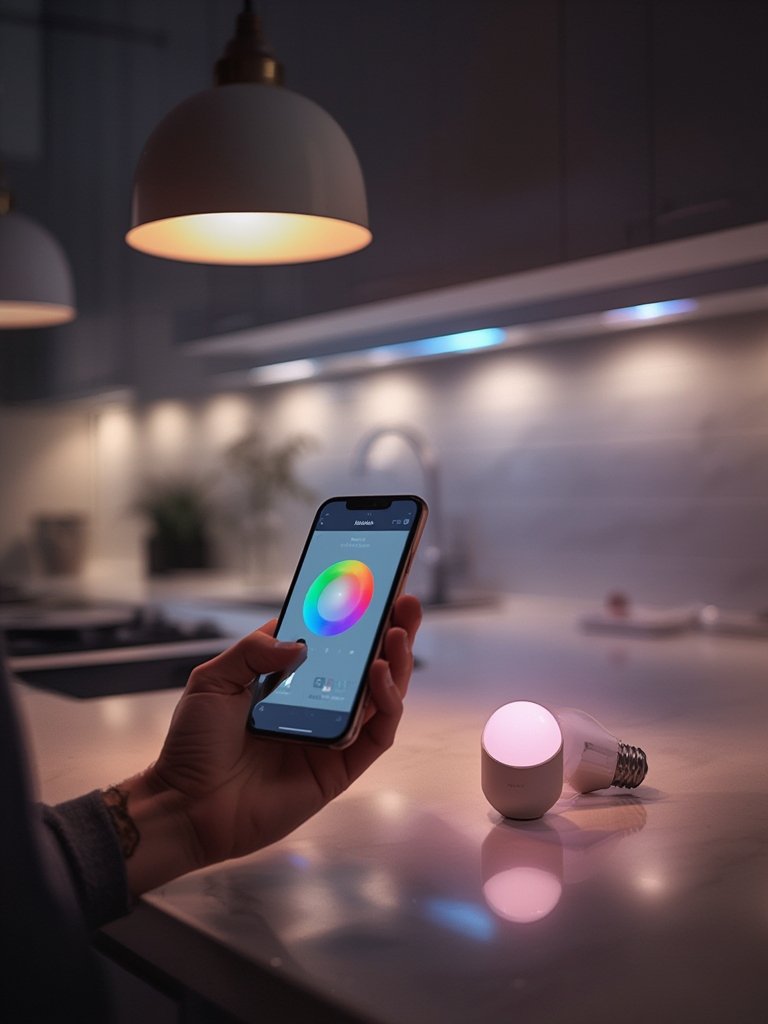
- Connect to App or Hub: Download the manufacturer’s app, create an account, and add each device as prompted. For Zigbee/Z-Wave systems, you may need a dedicated hub to bridge with voice ecosystems.
- Set Up Automation & Voice Control: Use the app to schedule lights for sunrise, sunset, or occupancy triggers. Link with your voice assistant for hands-free commands. Try routines like “Movie Time” or “All Off” for instant scenes.
- Monitor Energy Savings & Troubleshoot: Regularly use your app’s analytics to track usage and savings. Check our guide to lowering lighting costs for power-user settings and pitfalls to avoid.
Advanced Analysis & Common Pitfalls
Even though smart home lighting systems promise impressive efficiency and convenience, users’ real-world experiences often don’t match marketing claims. Here are the most common pitfalls and how to avoid them based on market research and anecdotal user feedback:
- Connectivity Issues: Wi-Fi-based systems can suffer lag or device drops if your home network is weak or crowded. Always check signal strength before committing to Wi-Fi bulbs or switches, especially in large houses. If needed, consider a mesh network for broader signal.
- Confusing App Interfaces: Not all apps are user-friendly, especially when trying to program scenes or automation. Read online reviews for app usability and long-term support before you buy.
- Incompatibility Across Brands: Devices from different manufacturers may not talk to each other. It’s safest to choose a single vendor or look for Matter-certified devices if you want interoperability. Our guide to Matter-compatible systems explains these options.
- Limited Warranty and Lifespan Transparency: Many products do not clearly display warranty length or expected lifespan, making it hard to gauge long-term value.
- False Energy Savings: If you install smart bulbs in places where lights rarely run, savings will be minimal—focus on high-use rooms for the best ROI.
| Control Method | Ease of Installation | Ecosystem Compatibility | Reliability/Pitfalls |
|---|---|---|---|
| App-Controlled | Very Easy (plug-and-play for bulbs/plugs) | High (works with Alexa, Google, Apple in most systems) | Requires Wi-Fi, app updates can create compatibility problems |
| Voice-Controlled | Easy (requires initial app setup, voice assistant link) | High (works with major ecosystems; integration can be buggy) | Voice commands need precise setup, may not recognize accents or complex routines |
Major surveys (ASHB 2024) indicate lighting trails only energy and security categories for adoption, but beware that satisfaction often hinges on app simplicity and the avoidance of “orphan” products if your chosen brand discontinues updates (link).
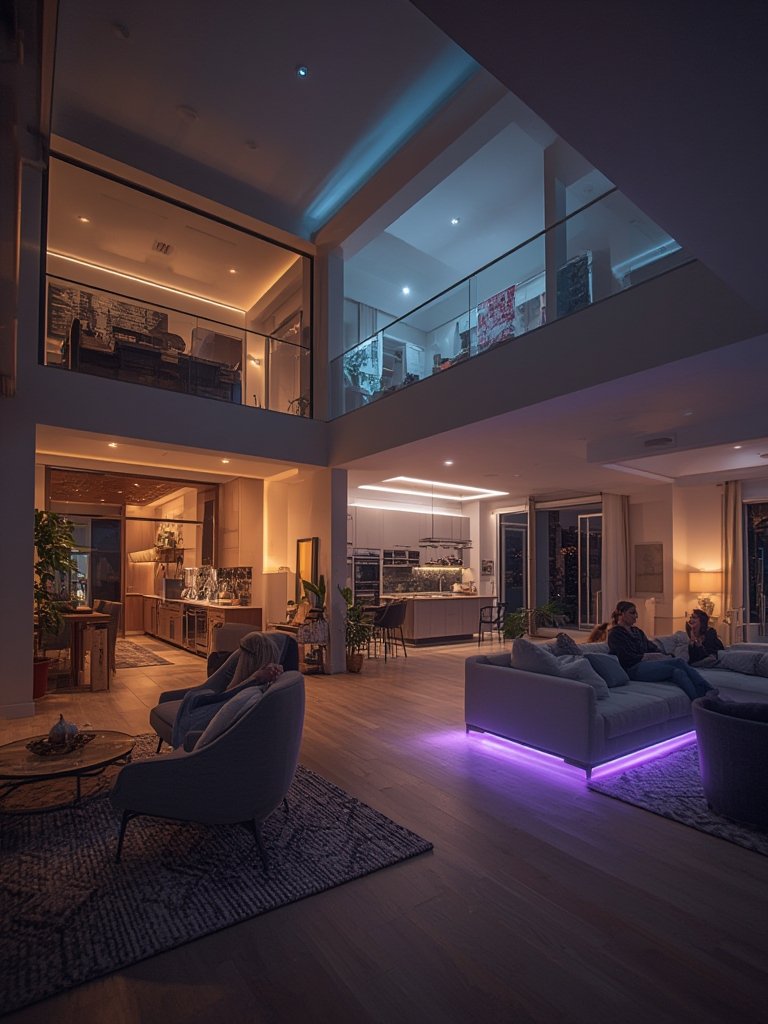
If you want to dive deeper into ecosystem choice and how to build a reliable smart lighting plan, visit our Smart Lighting Installation Checklist.
Conclusion
Smart home lighting systems are no longer just a futuristic gadget—they’re a practical, proven way to cut energy bills, simplify routines, and improve home safety. The best approach is to start small, test devices in key rooms, and standardize on a compatible ecosystem as you expand. Ready to make the switch to smart home lighting systems? Get started today and experience the difference. For more tutorials and troubleshooting tips, explore our Smart Lighting Troubleshooting Guide.
Frequently Asked Questions
How much can I really save on energy with smart lighting?
Most households can save between 50% and 80% on lighting energy when switching from old incandescent bulbs to LED-based smart lights. On average, US homes save about $225 in electricity bills per year, but your results may vary depending on usage and automation setup.
Are smart lighting systems hard to install?
Wireless smart bulbs and plug-in devices require zero wiring and can be installed in minutes. Hardwired smart switches are more advanced and should be handled with care—when in doubt, hire a professional. Retrofit solutions dominate the current market for their ease and cost-effectiveness.
Which ecosystem is best: Alexa, Google, or Apple?
Most leading brands support all three, but for seamless routines and fewer bugs, stick to one ecosystem throughout your home. Check for Matter compatibility if you wish to mix and match later on.
What are the risks of cheap, no-name smart bulbs?
Low-quality smart bulbs often have short lifespans, limited warranty, poor energy tracking, and may not get critical security updates. Always buy from reputable brands with clear labels and long-term support commitments.
How do I fix connectivity issues between my lights and apps?
Start by resetting the device and checking your Wi-Fi coverage. Update both the device firmware and app. For large homes, consider adding a dedicated hub or mesh network for stronger signal and more reliable automation.

[…] many, combining smart security with other upgrades—like smart home lighting—offers an added layer of peace of […]
[…] shower walls, easy-to-clean surfaces, and smart home features for comfort and energy efficiency (smart home lighting, […]