Smart security system adoption is rising in homes across the U.S. as more people seek reliable, real-time protection. But what do you actually get from installing these systems—and what don’t most buyers realize until after the purchase? Let’s break down what matters, avoid the hype, and help you make an informed choice.
Key Takeaways
- Smart security system technologies show crime deterrence but home-level reduction statistics in 2024 remain limited.
- Practical installation, integration, and budgeting challenges are often overlooked but essential for homeowners considering these systems.
- Real user experiences, detailed product comparisons, and honest assessments of ongoing costs are frequently missing from popular security reviews.
- The Core Concept: What Is a Smart Security System?
- Step-by-Step Guide: How to Set Up Your Smart Security System
- Advanced Analysis & Common Pitfalls
- Conclusion
- FAQ
The Core Concept: What Is a Smart Security System?
A smart security system is a connected network of devices—cameras, door sensors, motion detectors, smart locks, and alarms—integrated through a central app for real-time monitoring and control. Instead of relying only on audible alarms, these systems let you check live video, receive instant mobile alerts, and remotely manage entry points. Homeowners opt for smart systems because traditional alarms often notify you too late, while connected tech brings updates straight to your phone—whether you’re in bed or across the country.
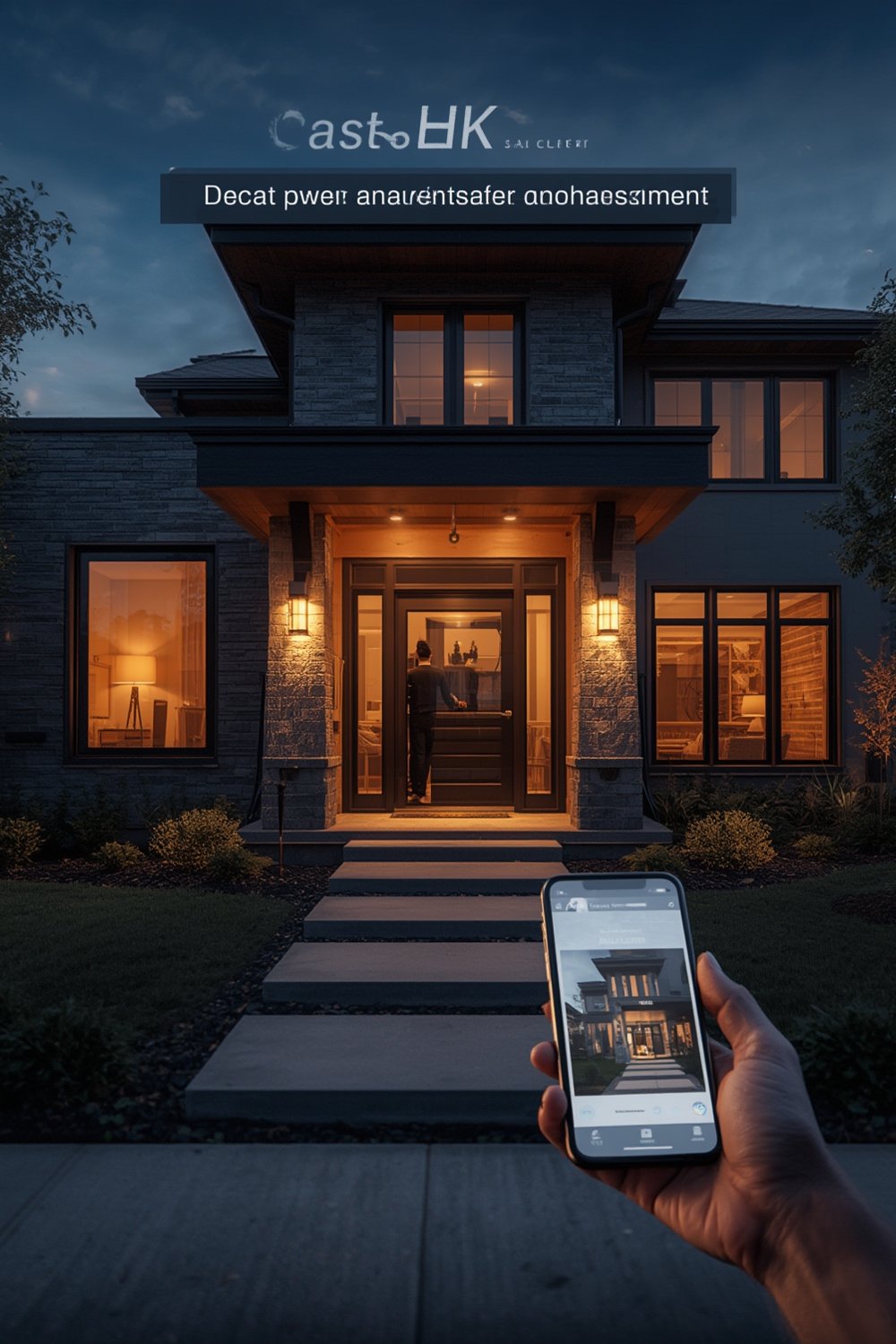
While research points to a broad property crime reduction in areas with visible surveillance, such as neighborhoods with communal cameras, no current data from 2024 gives a home-by-home comparison for residences equipped with smart security systems versus those without. Nationwide, property crime fell by 8.1% compared to 2023 according to SafeHome, but it’s unclear how much is attributable to consumer-installed systems. More than 10 million U.S. homes now use products like video doorbell, making it a leader in smart home protection (NCBI PMC study).
For many, combining smart security with other upgrades—like smart home lighting—offers an added layer of peace of mind.
Step-by-Step Guide: How to Set Up Your Smart Security System
Let’s walk through a practical process for choosing, installing, and fine-tuning a modern smart security system that covers all your bases without leaving you frustrated or over budget. Whether you want to DIY or hire a pro, here’s what actually works in 2024:
-
Assess Your Home’s Vulnerable Points
Walk around your property—inside and out. Note all entry points, dark corners, basement doors, and windows hidden from street view. Think about where someone could potentially break in. -
Choose Your Core Devices
Most homeowners start with a video doorbell and one or two wireless cameras. For fuller coverage, add window and door sensors, smart locks, and a central hub. Remember: focus on devices that are compatible with your chosen platform (Amazon Alexa, Google Home, or Apple HomeKit). -
Plan Your Network & Power Sources
Modern smart systems rely heavily on your Wi-Fi. Check for any “dead zones” where signal is weak. For cameras, consider battery life if you won’t be running wires; some need to be recharged every couple of months. -
Install and Sync Devices
Follow manufacturer instructions closely. Most devices offer step-by-step mobile app guides (but these aren’t always foolproof). Double-check device positions for clear, unobstructed views. Use mounting templates, and never overtighten screws to avoid damaging exterior walls. -
Secure Your Network
Change default passwords, enable two-factor authentication where possible, and keep device firmware up to date. Set strong, unique passwords for accounts tied to your system. Consider a secure your network solution if your Wi-Fi has weak spots. -
Customize Alerts and Automations
Tweak notification settings to avoid constant false alarms caused by pets or neighbors passing by. Link your system to smart lights or speakers for better deterrence. -
Test, Maintain, and Review
Regularly clean camera lenses, check battery levels, and run security checks through your app. Schedule quarterly reviews to update settings or replace batteries.
Many homeowners find combining security solutions with improvements like accessible bathroom modifications or aging in place upgrades creates a safer, smarter environment overall.
Looking for energy savings as well as security? Consider layering with energy-efficient window replacements or smart thermostat upgrades.
Advanced Analysis & Common Pitfalls
Many popular reviews gloss over the daily realities of owning and maintaining a smart security system in 2024. Below are common pitfalls, realistic issues, and what current research tells us (and doesn’t):
- Installation Frustrations: Wireless cameras often require recharging every few months. Some mounting brackets can be flimsy or ill-fitting for older homes. Expect to spend more time than packaging suggests, especially if you want a wire-free and clean setup.
- Network Headaches: Video doorbells and indoor cameras demand a solid Wi-Fi connection. Outdated or budget routers can leave devices offline at critical moments. If your internet drops, most smart systems lose real-time monitoring abilities.
- Unclear Costs: It’s hard to find a decisive 2024 breakdown for full system costs, but the smart security market is now valued at $32.5 billion (ConsumerAffairs report). Expect initial device bundles ($200-$900), plus optional fees for storage or monitoring ($3-$30/month, depending on features). Ongoing maintenance—such as battery replacement and software updates—adds to your yearly price.
- Privacy Concerns: Most major platforms (Ring, Google Nest, etc.) offer encryption, but incidents of data sharing with law enforcement have been documented. Carefully review each vendor’s privacy policy before purchasing.
- Annoying Alerts: Overtuned motion detection can flood your phone with useless notifications—caused by car lights, stray animals, or wind-blown branches.
- Missed Details: Many top-ranking articles don’t discuss real user experiences or review app reliability and customer service. Reliable remote monitoring depends on both the app and prompt, helpful tech support—yet feedback in these areas is scarce (CPI Security Blog).
| Feature | Typical Range | Notes for 2024 |
|---|---|---|
| Resolution | 1080p – 4K | Higher resolution is available, but requires faster Wi-Fi for real-time quality. |
| Storage | Cloud or Local SD | cloud storage generally needs a subscription; local storage avoids fees. |
| Smart Assistant | Alexa, Google, HomeKit | Choose devices verified to work with your existing setup. |
| Integration | Varies by brand | Some brands limit third-party device support, check lists carefully. |
| Maintenance | Quarterly – Annually | Regular cleaning, firmware updates, and battery swaps are required. |
Still deciding? Researchers find that while advanced features like AI detection and cloud storage sound attractive, simplicity and reliability matter most to everyday users.
Conclusion
Choosing a smart security system gives you control and visibility that classic alarms cannot match, but it requires real work: a careful assessment of your home, network, and privacy needs. With installation tricks and a little planning, you’ll get far more than basic surveillance—especially when integrating other DIY improvements or focusing on accessibility. Ready for reliable security, realistic budgeting, and fewer surprises? Make your next move count and reconsider how a smart security system fits your lifestyle today.
Want more tips? Explore our guides or get expert advice right now.
FAQ
How do smart security systems help prevent crime?
Visible cameras and alarms deter opportunistic burglars, and real-time alerts mean you can respond faster to suspicious activity. While property crime drops have occurred in monitored areas, current data does not directly credit consumer smart home systems; they are, however, a proven deterrent in high-visibility zones.
Will I need to pay monthly fees for a smart security system?
Some systems charge for features like cloud storage or professional monitoring, ranging from $3 to $30 per month. Fully local storage options often exist with no ongoing costs, but may limit remote backup or advanced features.
Can I install a smart security system myself?
Yes, many systems are designed for DIY installation, especially wireless models. However, you may run into signal or mounting issues and should plan on troubleshooting, especially in older homes or properties with unusual layouts.
What are the biggest hidden costs?
Besides ongoing subscriptions, expect to pay for batteries (if not hardwired), possible Wi-Fi range extenders, and device maintenance like cleaning or firmware updates. Upgrades to your router or adding secure storage may also be required.
Are smart security systems compatible with other smart home devices?
Most leading brands are compatible with Amazon Alexa, Google Home, or Apple HomeKit, but not all features work with every platform. Check device compatibility with your existing smart lighting or thermostat before buying.