

Smart thermostat installation is one of the most effective upgrades for reducing energy bills and gaining remote control over your home’s climate. For many homeowners, the right device can deliver significant savings, but getting it right means understanding the benefits, the realistic pitfalls, and the exact steps for a smooth installation.
Key Takeaways
- Smart thermostat installation leads to verified energy bill reductions, typically saving 10-26% on heating and cooling costs depending on the brand.
- Proper installation and compatibility checks are crucial to avoid hidden costs or technical headaches.
- Smart thermostats may qualify you for rebates and incentives, so always check your local and federal options before you install.
- What Is Smart Thermostat Installation and Why Should You Care?
- How to Install a Smart Thermostat: Step-by-Step Guide
- Advanced Analysis & Common Pitfalls
- Conclusion
- FAQs
What Is Smart Thermostat Installation and Why Should You Care?
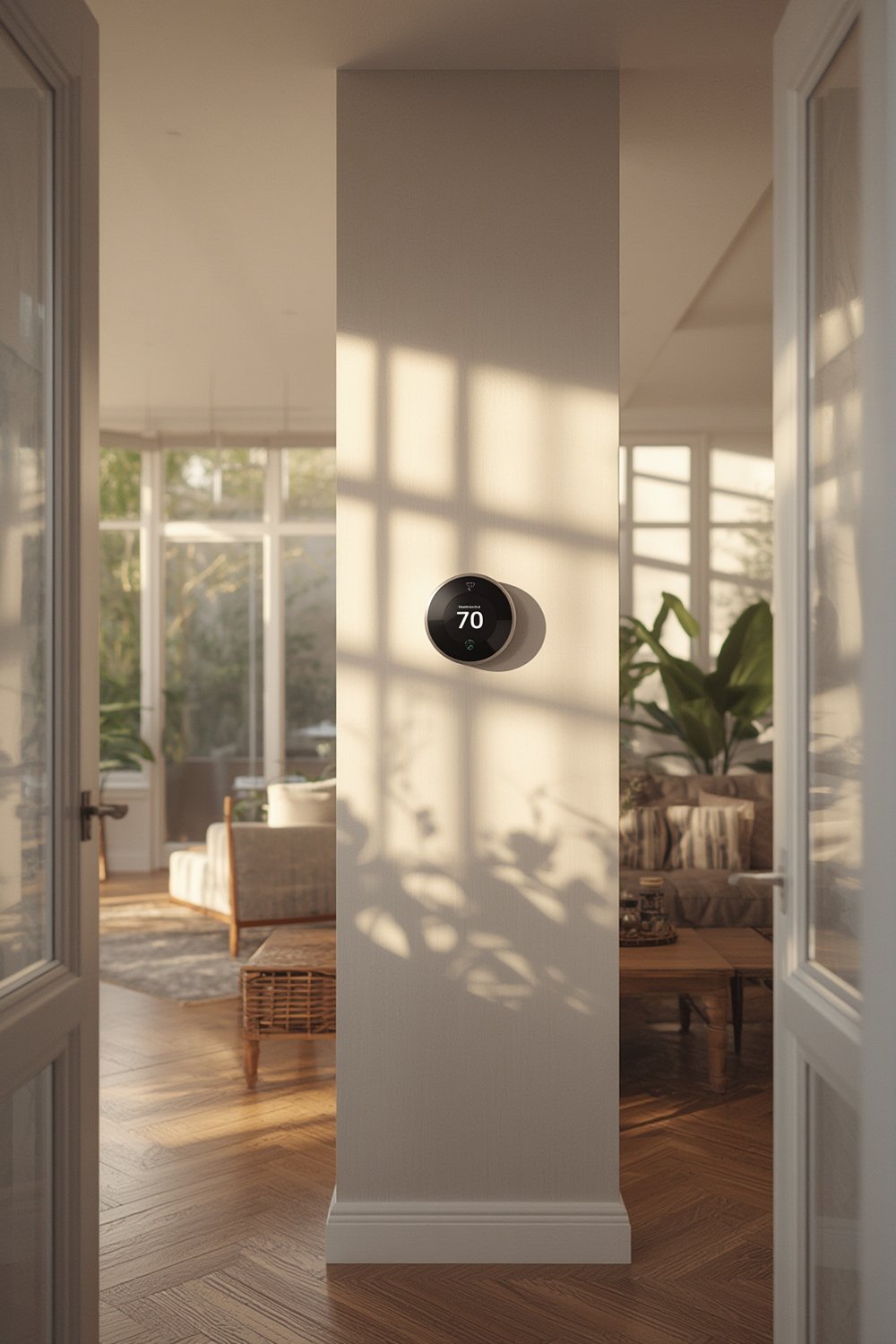
Smart thermostat installation involves replacing your standard wall thermostat with a connected device that can be controlled via your phone, voice assistant, or automated schedules. Models from Nest, Ecobee, Honeywell, and Sensi can quickly pay for themselves:
- Honeywell T5 and T6 users save 8-16% on heating and cooling costs, while Nest thermostats average $140 annual savings.
- Ecobee customers have achieved up to 26% lower energy usage compared to a fixed 72°F setting.
- National savings with ENERGY STAR-certified thermostats could total $740 million annually.
Smart thermostats learn your routine, let you adjust climate from anywhere, and integrate with wider smart home lighting and automation systems. You can easily combine a thermostat upgrade with larger home modification plans — like those highlighted in guides on aging in place home modifications and energy-efficient window replacement to create a truly modern, energy-saving living space.
How to Install a Smart Thermostat: Step-by-Step Guide
Smart thermostat installation is often a manageable DIY job, but attention to detail pays off. Follow this process for seamless results:
- Choose the right thermostat. Compare Nest, Ecobee, Honeywell, and Sensi. Match the device to your HVAC system (gas, electric, heat pump, or multi-stage) and check for features you need, such as remote sensors or voice control.
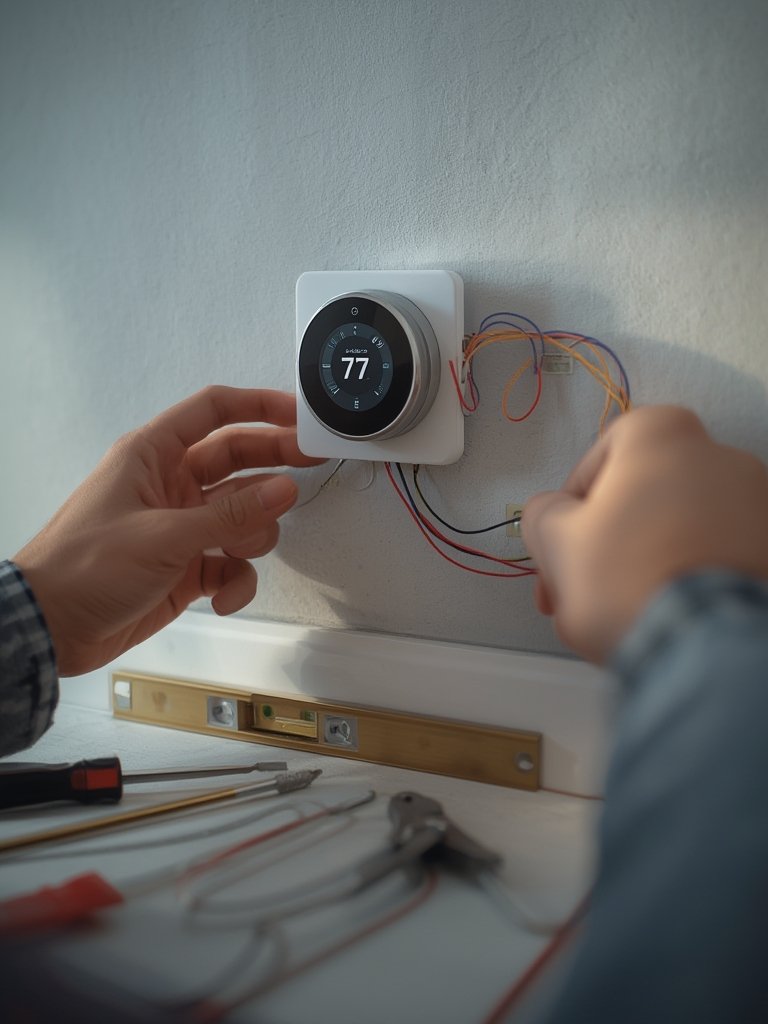
- Check compatibility. Remove your old thermostat’s cover and inspect the wiring. Most smart thermostats require a C-wire (common wire). If you lack a C-wire, some models include alternative solutions, but double-check before buying.
- Turn off power at the breaker. Never trust the thermostat display — always cut power to avoid electrical hazards.
- Label existing wires. Use sticky labels as you disconnect the old unit. Take a picture for backup.
- Install the mounting plate. Follow the included template for hole placement. Use wall anchors if necessary for a secure fit.
- Connect wires to the new thermostat. Match each wire to its correct terminal (typically marked R, W, Y, G, C, etc.).
- Attach the thermostat faceplate. Snap the unit on gently, ensuring all pins are connected.
- Restore power and complete setup. Power up at the breaker, configure the thermostat’s WiFi, and follow the on-screen prompts for basic calibration.
Once you’re up and running, use the app to program schedules, set up geofencing, and enable energy usage reports. These functions are why smart thermostats beat old programmable models. If you want your climate controls to sync with your smart home lighting system or other automation routines, look for integrations with Alexa, Google Home, Apple HomeKit, or IFTTT.
Advanced Analysis & Common Pitfalls
Even with advanced designs, smart thermostat installation can come with challenges. Below is an honest look at common problems and how to avoid them:
| Potential Pitfall | What Happens | How to Avoid |
|---|---|---|
| Wiring incompatibility | Thermostat won’t power on; C-wire often missing in older homes | Use a C-wire adapter or hire a pro; check HVAC compatibility first |
| WiFi or connectivity issues | Thermostat fails to connect or loses remote access frequently | Place thermostat within range of router or install a WiFi extender |
| Incorrect settings | System runs at wrong times or temperatures, impacting comfort | Double-check scheduling, learning modes, and account location |
| Hidden costs | Potential need for professional installation or electrical work | Request quotes in advance; many pros charge $100-$250 plus device cost |
| Software updates | Ongoing updates may be required for optimal function | Register device and enable automatic updates in the app |
| Ineligible for rebates | Missed savings if you skip local incentive programs | Always check for updated government and utility rebates where you live. See current incentives and rebates |
There are a few often-overlooked considerations as well:
- Some users report giving up a little comfort or fine-tuned control for energy savings, especially with aggressive automation modes. Research suggests most are willing to make this trade-off for lower bills.
- Professional installation is sometimes required for complex systems or homes without standard thermostat wiring.
- Ongoing software support matters: Check for long-term update commitments from your chosen brand.
If your project is part of a larger renovation, like a DIY home improvement project or an accessible bathroom remodel, coordinate smart device upgrades with other contractors so everyone’s on the same page.
Conclusion
Smart thermostat installation is a realistic way to cut your energy costs, monitor usage, and automate comfort — but only when you plan for system compatibility and real-world usage. The average homeowner can save $100 or more per year, and most utility providers now offer incentives. Whatever your home setup or renovation goals, a smart thermostat lays the groundwork for a more connected, efficient, and comfortable living space. If you’re ready to get started, review your wiring, choose your model, and make your installation count — the savings and comfort are well worth it.
Ready to take the next step? Check your system and make smart thermostat installation your next successful upgrade.
FAQs
Will any smart thermostat work with my old HVAC system?
Not always. Most modern thermostats are compatible with low-voltage (24V) systems, but some older or proprietary HVAC units require special adapters. Always check the compatibility tool on the manufacturer’s website before purchase.
What if I don’t have a C-wire?
You can often use a C-wire adapter (supplied or sold separately with brands like Ecobee), or in rare cases, repurpose an unused existing wire. If your setup is unusual, consider hiring an electrician for professional installation to avoid damaging your system.
How much does professional smart thermostat installation cost?
Expect to pay $100 to $250 for a standard install, plus any additional wiring fees. Complex jobs or smart home automation setup may cost more, so request an estimate up front.
Do smart thermostats guarantee savings?
No device can guarantee specific savings, but verified studies show an average 10-26% drop in heating and cooling costs for most users. Individual results will vary based on usage patterns, climate, and system compatibility. Regularly update schedules and use automation features to maximize results.
Can I get a rebate for installing a smart thermostat?
Many utilities and some state or federal programs offer rebates. Check current incentives, or ask your installer or utility provider before purchase to claim your savings.

[…] or security system. Dive deeper into each category for smart lighting, security systems, or thermostat installation for specifics, brand breakdowns, and potential […]